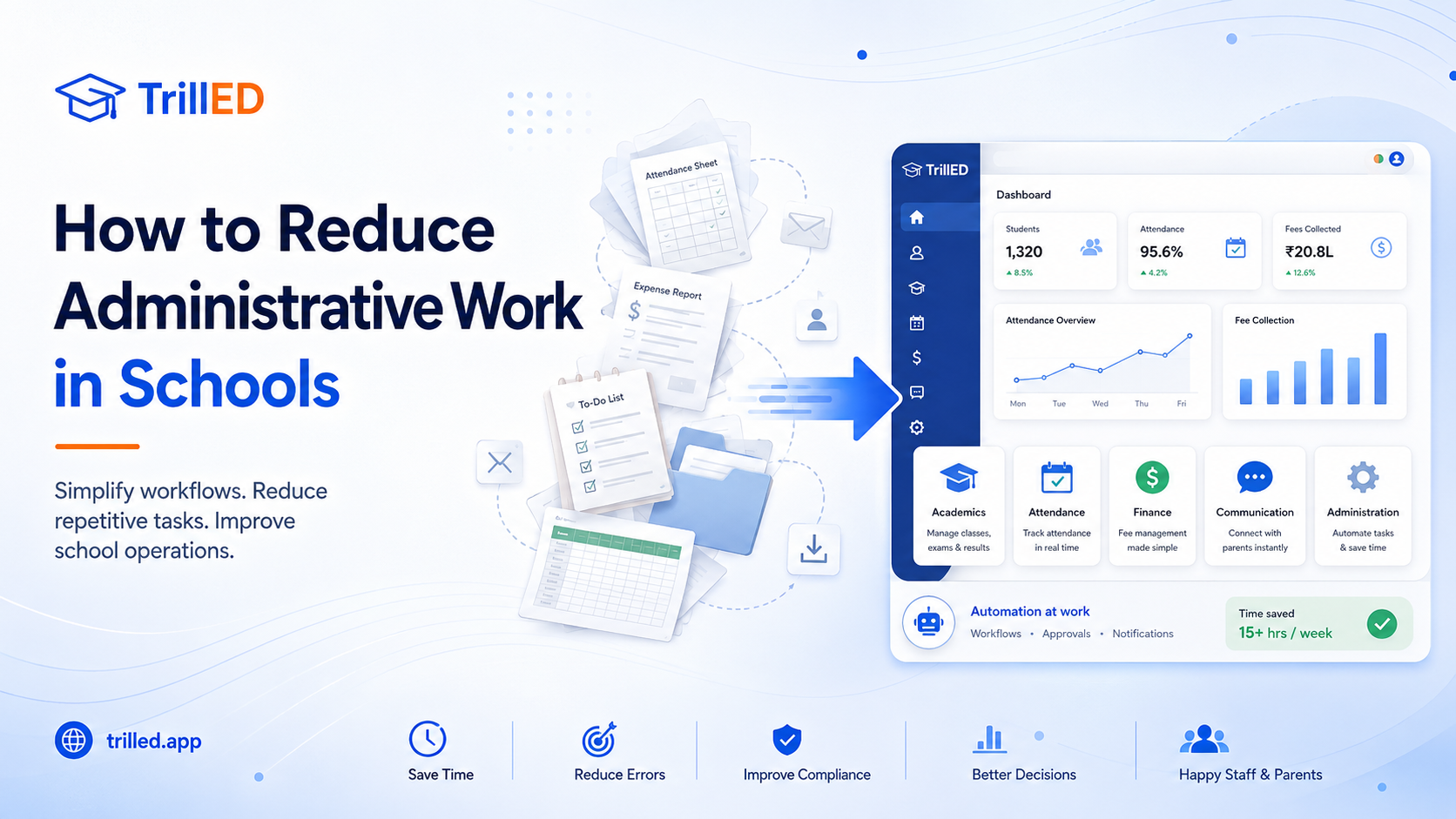
The right school management system is not necessarily the one with the longest feature list. It is the one that fits how your school actually operates.
Student records, attendance, fees, reporting, staff permissions, parent communication, and implementation support should work together rather than becoming separate systems that create more administrative work.
Schools are more likely to get lasting value from software when they evaluate workflow fit, reporting needs, implementation effort, and staff adoption—not features alone.
Start With the Operating Problem, Not the Feature List
Before comparing vendors, school leaders should first map the daily work the system must support.
Consider who enters information, who approves changes, what parents need to see, what school leaders need to monitor, and which reports must remain accurate and trustworthy.
These 15 questions can help your school evaluate whether a platform will support its real operational needs.
1. Which School Workflows Need to Improve First?
Identify the areas creating the most delays, errors, duplicated work, or frustration.
For one school, the priority may be fee collection. For another, it may be attendance, academic reporting, parent communication, or student record management.
Defining the immediate problem helps prevent the school from buying a large system without a clear rollout priority.
2. Can the System Create One Reliable Student Record?
A student’s academic, attendance, financial, guardian, and administrative information should not be scattered across unrelated files and applications.
Ask whether authorised staff can access a consistent student record without repeatedly entering the same information in different places.
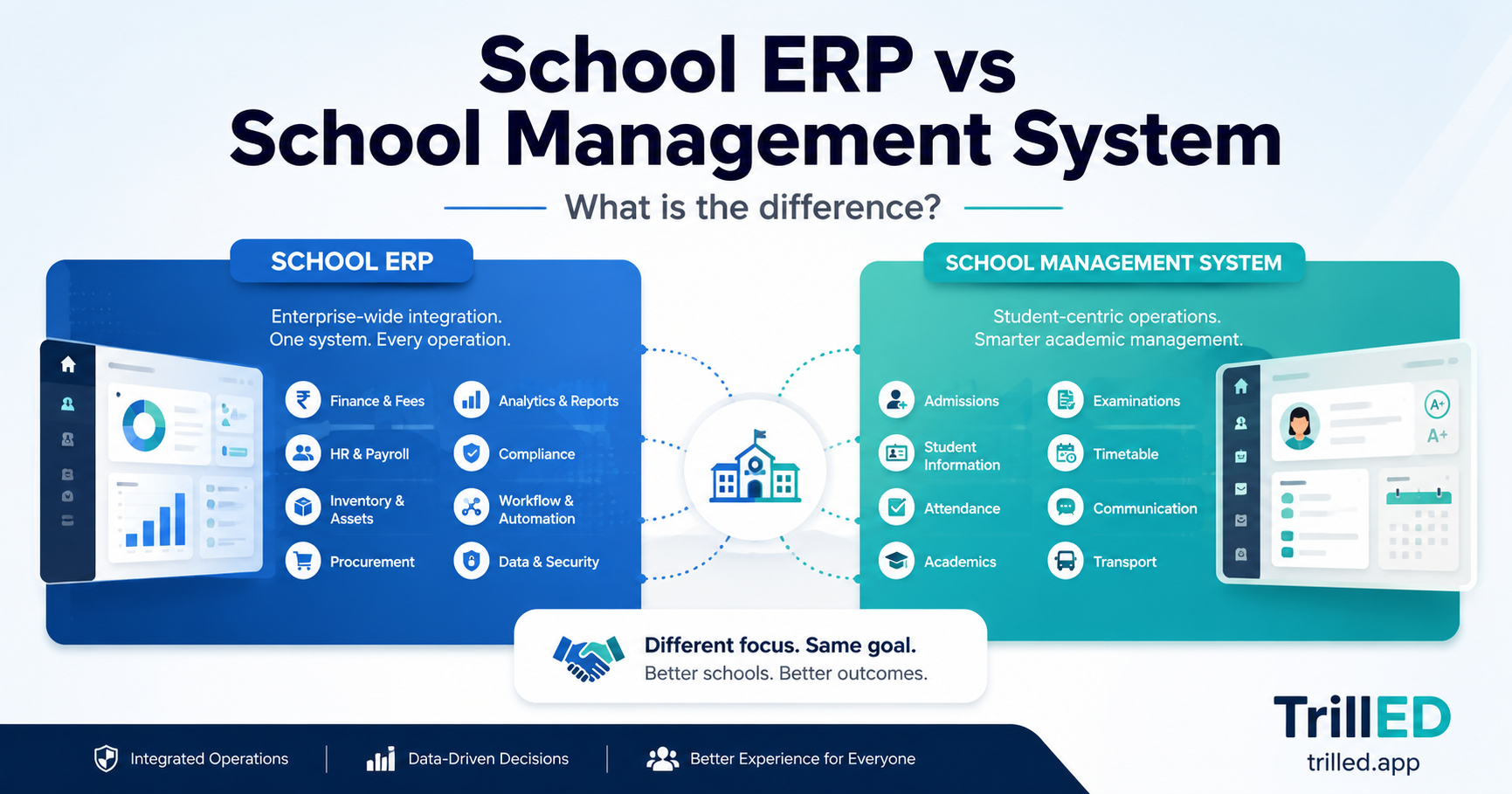
3. Can It Connect Academics, Attendance, Finance, Communication, and Reporting?
A school management platform should do more than provide isolated modules.
For example, attendance information may need to appear in reports, parent communication may depend on accurate guardian records, and fee reporting may need to reflect student enrolment or class assignments.
The more disconnected these processes are, the more manual reconciliation staff must perform.
4. Does It Match How Staff Actually Work Each Day?
A system may have many features but still fail if routine tasks are slow or confusing.
Ask vendors to demonstrate real scenarios, such as recording attendance, entering payments, publishing results, updating a student record, or sending information to parents.
The demonstration should reflect the work your staff will perform—not only the system’s most impressive screens.
5. Can Each User Access Only What They Are Authorised to Manage?
Teachers, accountants, administrators, school owners, parents, and students should not all have the same level of access.
The system should provide clear role-based permissions so that each user can see and manage only the information relevant to their responsibilities.
Ask whether permissions can be adjusted to match your school’s organisational structure.
6. Will School Leaders Get Useful Information Without Requesting Manual Updates?
Leaders should be able to view important operational information without repeatedly asking staff to prepare spreadsheets.
This may include fee collection, outstanding balances, student attendance, staff activity, enrolment, academic performance, or communication status.
Dashboards should help leaders understand what is happening and identify areas requiring attention.
7. Are the Reports Accurate, Useful, and Easy to Verify?
A large number of reports does not automatically make a system useful.
Ask which reports are available, how they are generated, whether they can be filtered, and whether the underlying records can be checked.
Reports should support real decisions rather than merely display data.
8. Does the System Keep a Clear History of Important Changes?
Schools manage sensitive academic, financial, and personal information.
Ask whether the platform records who changed important information, what was changed, and when the change occurred.
A clear audit history improves accountability and makes it easier to investigate mistakes or unauthorised actions.
9. How Will Existing School Data Be Migrated?
Data migration is often one of the most difficult parts of adopting new software.
Ask what information can be imported, which file formats are accepted, who will clean and verify the data, and how errors will be handled.
Poor-quality records should not simply be transferred into the new platform without review.
10. What Training Is Included?
Training should focus on the actual responsibilities of each user group.
Teachers may need training on attendance and academic records, while finance staff need support with payments and reporting. Administrators and school leaders may require broader operational training.
Ask whether training is live, recorded, documented, or available after launch.
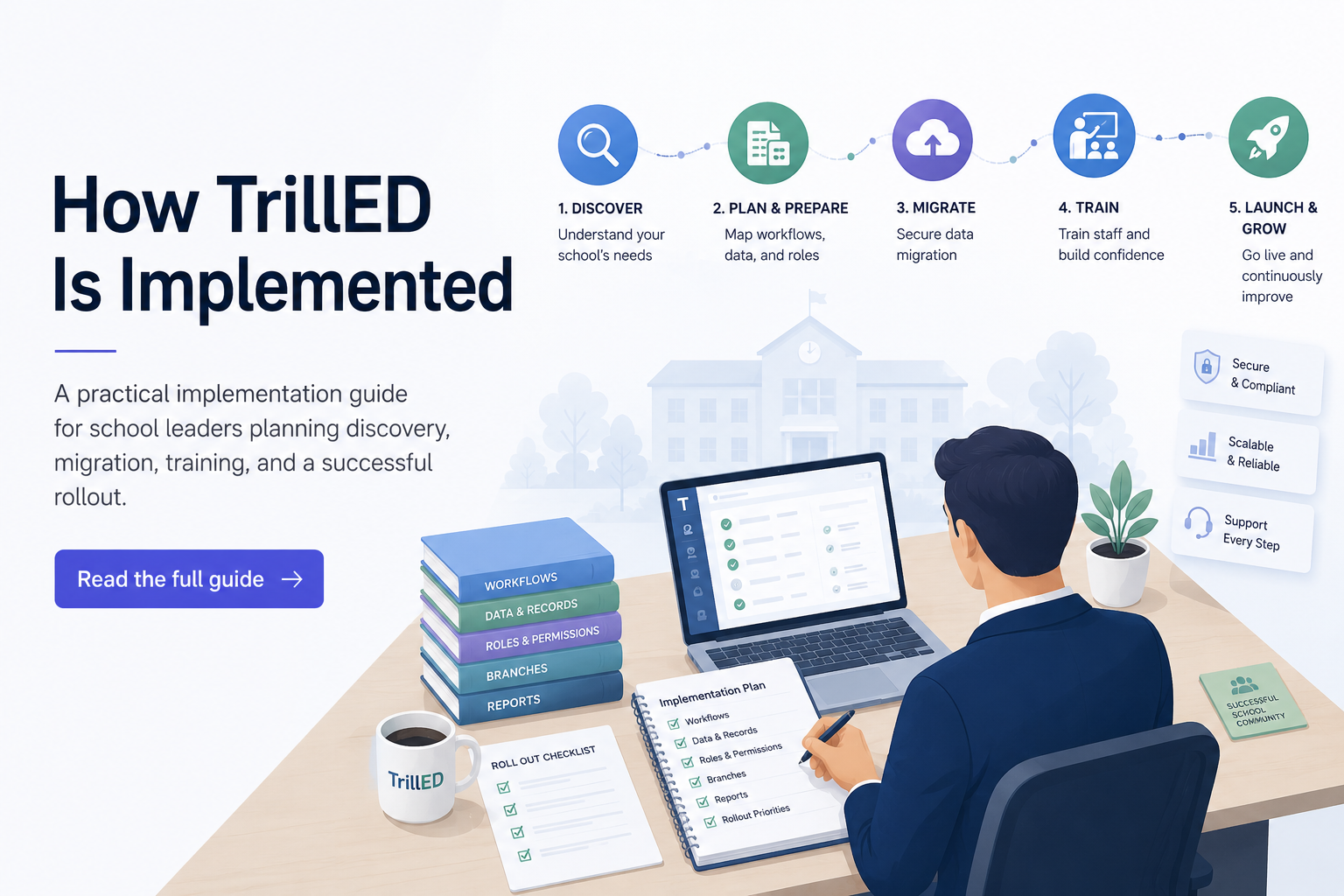
11. What Does the Implementation Process Look Like?
The vendor should be able to explain the journey from signing the agreement to everyday use.
A practical implementation process normally includes:
-
Cleaning and importing core records
-
Defining user roles and permissions
-
Configuring important school workflows
-
Training users with realistic scenarios
-
Launching the highest-use areas first
-
Reviewing reports and adoption after go-live
Avoid vendors that cannot clearly explain how the school will move from its current process into the new system.
12. Can the School Roll Out the Platform Gradually?
Trying to introduce every module at once can overwhelm staff and reduce adoption.
Ask whether the school can begin with its most important workflows and introduce additional capabilities over time.
A phased rollout allows staff to build confidence while the school reviews data quality and operational results.
13. Can the Platform Grow With the School?
The system should remain useful as the school adds students, staff, departments, programmes, campuses, or branches.
Ask whether the platform can support multiple branches, more complex permissions, expanded reporting needs, and additional workflows without forcing the school to replace the entire system.
14. What Support Is Available After Launch?
Implementation does not end on the first day the system goes live.
Ask how support requests are handled, how quickly the vendor normally responds, whether ongoing training is available, and how software updates are communicated.
The school should understand what support is included and what may require additional payment.
15. How Will the School Know Whether the Software Is Working?
Before purchasing, define what successful adoption should look like.
Possible indicators include:
-
Fewer duplicated records
-
Faster report preparation
-
Better visibility for school leaders
-
More consistent attendance records
-
Clearer fee collection information
-
Reduced dependence on spreadsheets
-
Improved communication with parents
-
Stronger accountability across staff roles
These outcomes make it easier to assess whether the software is creating genuine operational improvement.
Common Mistakes That Lead to Poor Adoption
Schools often experience disappointing results when they:
-
Choose software based only on feature count
-
Skip data cleaning before migration
-
Ignore staff training and adoption
-
Introduce too many workflows at once
-
Fail to define roles and permissions clearly
-
Purchase software without reviewing implementation support
A platform should not merely digitise existing confusion. It should help the school create clearer, more reliable operations.
What Matters More Than a Long Feature List?
Workflow fit matters most.
The system should support how the school actually works while giving leaders better visibility, staff clearer processes, and parents reliable access to the information intended for them.
What Should Schools Centralise First?
Start with records and workflows that staff update every day.
Student and guardian records are often the foundation because attendance, finance, academics, reporting, and communication depend on accurate core information.
From there, schools can prioritise the workflows creating the greatest operational pressure.
Where TrillED Fits
TrillED is built as a connected operating platform for schools rather than a collection of unrelated tools.
It brings student records, academics, attendance, fees, communication, reporting, permissions, and administration into one operational environment. This helps school teams manage daily work without treating every department or workflow as a separate island.
Schools can also take a phased approach, beginning with their highest-priority operations and expanding their use of the platform as staff adoption grows.
Use these 15 questions as a decision checklist when comparing vendors, reviewing demonstrations, or preparing to introduce a new school management system.